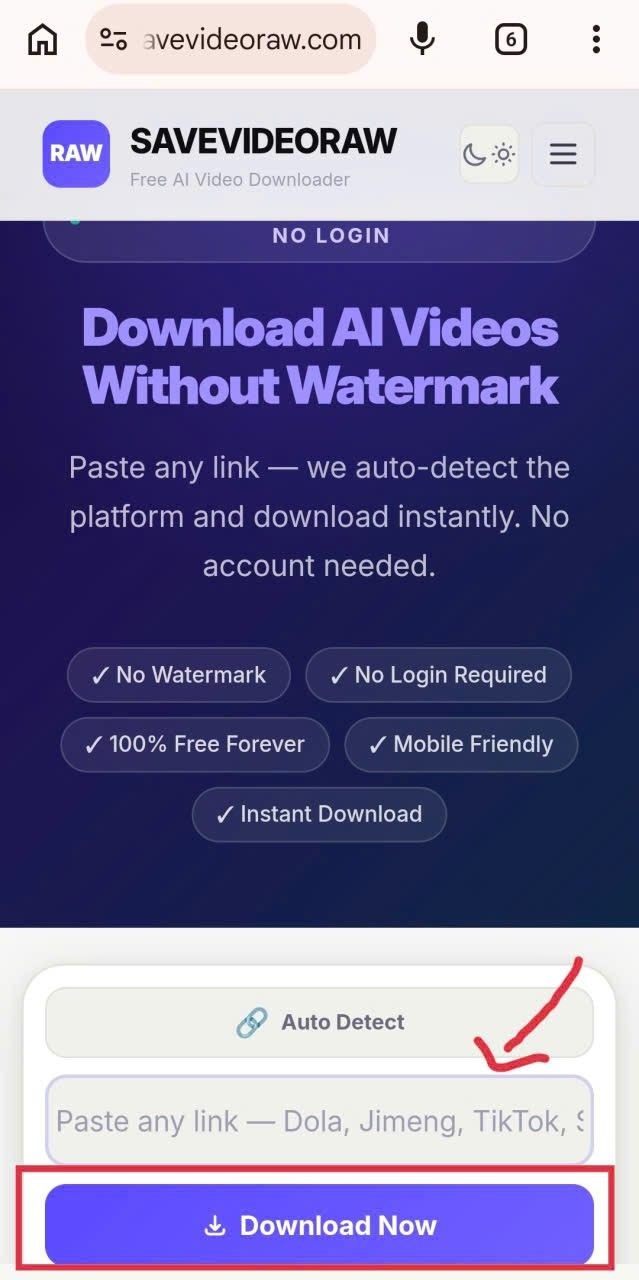
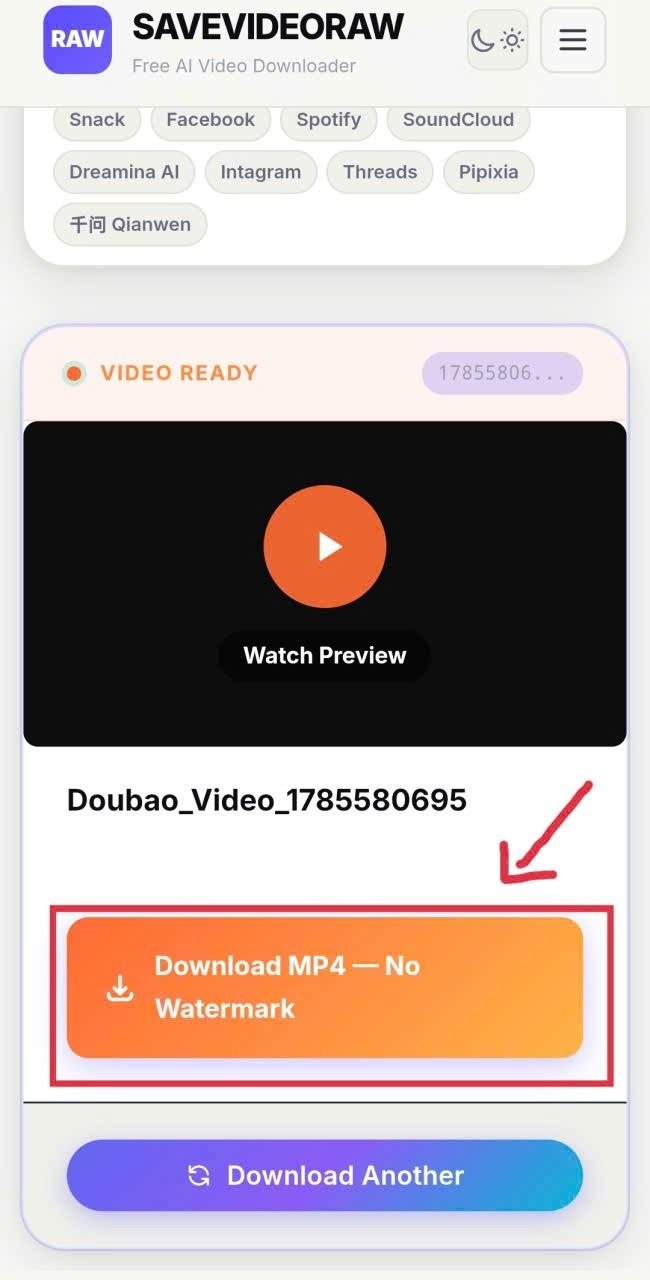
Hello everyone! Today I will show you how to download Doubao videos without watermarks using the latest method.
⚠️ Important Notice:
- This tool is for reference and AI learning purposes only.
- We encourage you to use videos with the Doubao AI watermark to help make this tool more popular and to prove that the videos are AI-generated.
Step-by-Step Guide
1
Copy the Video Link from Doubao
Press and hold on the prompt that generated your Doubao video. The share icon will appear. Tap on the share button, then tap on the link icon to copy the link as shown in the image below.
⚠️ Important Notes:
- Please turn off your VPN to copy the link successfully.
- Only tap on your own prompt to copy the video link. The tool does not support shared video links anymore.
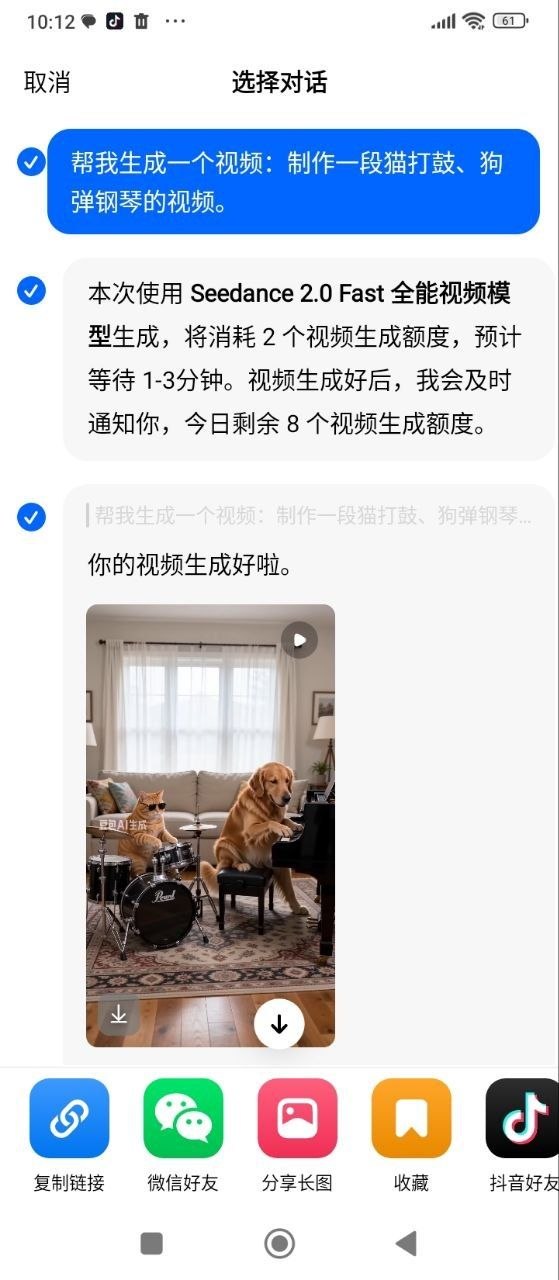
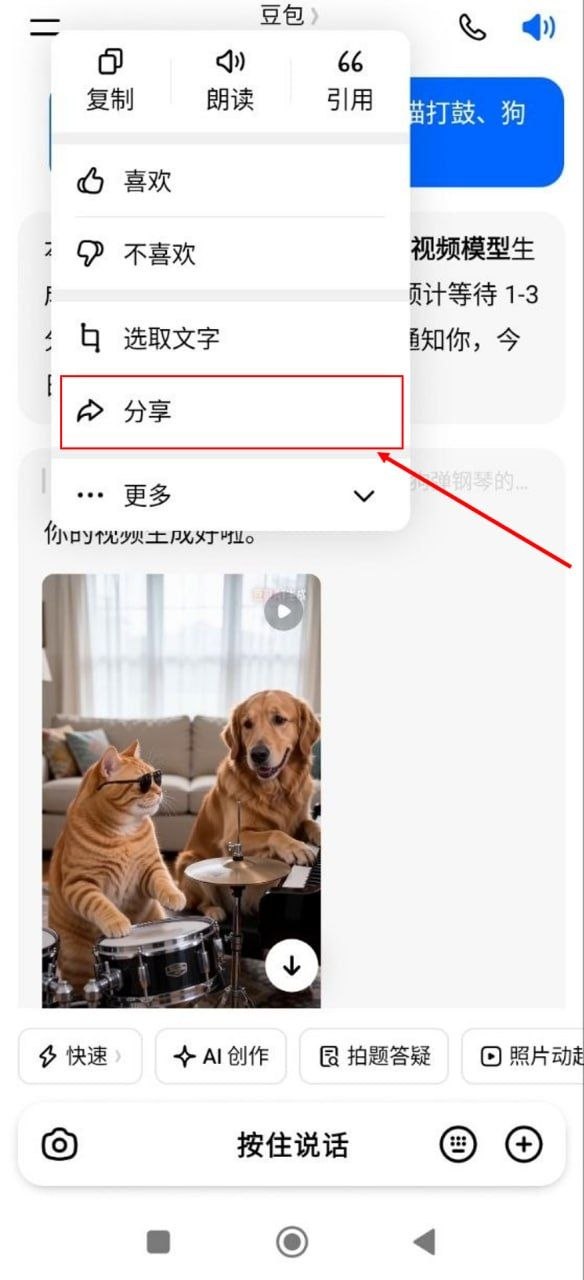
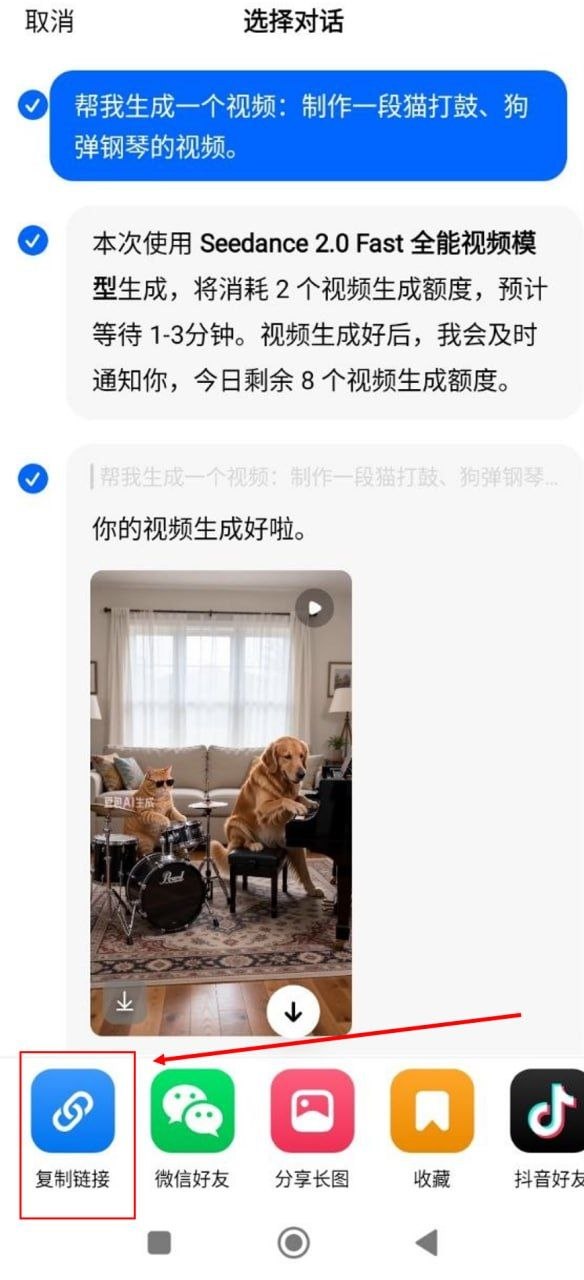
Press and hold the prompt → Tap share icon → Tap link icon to copy